
Innovative Idea Generating Centre
Innovative Idea Generating Centre
How Virtual Event Networking Works
Attendee Profiles & Matchmaking
When attendees sign up, they create detailed profiles that include their interests, role, company, and more.
virtual platform uses a recommendation engine (AI-driven) to suggest relevant people to connect with attendees, sponsors, or exhibitors based on shared interests or goals.
Networking Lounges / Tables
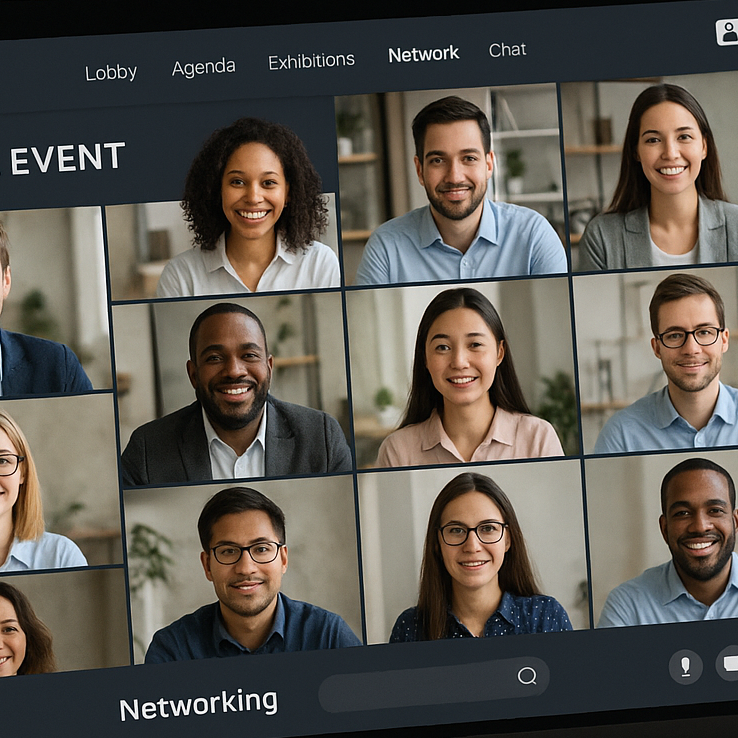
There are “lounge” areas where attendees can join networking tables for group discussions. For virtual booths, exhibitors can have their own tables; but these only become accessible once a booth representative “sits” at the table. While in a lounge table, users can chat via audio and video.
1-on-1 Meetings
Attendees can schedule 1:1 meetings with each other, or with booth representatives / sponsors / speakers. Meeting times are configurable: we can set available time ranges for when 1:1 meetings can happen. These meetings support audio and video (so it's like a mini video call).
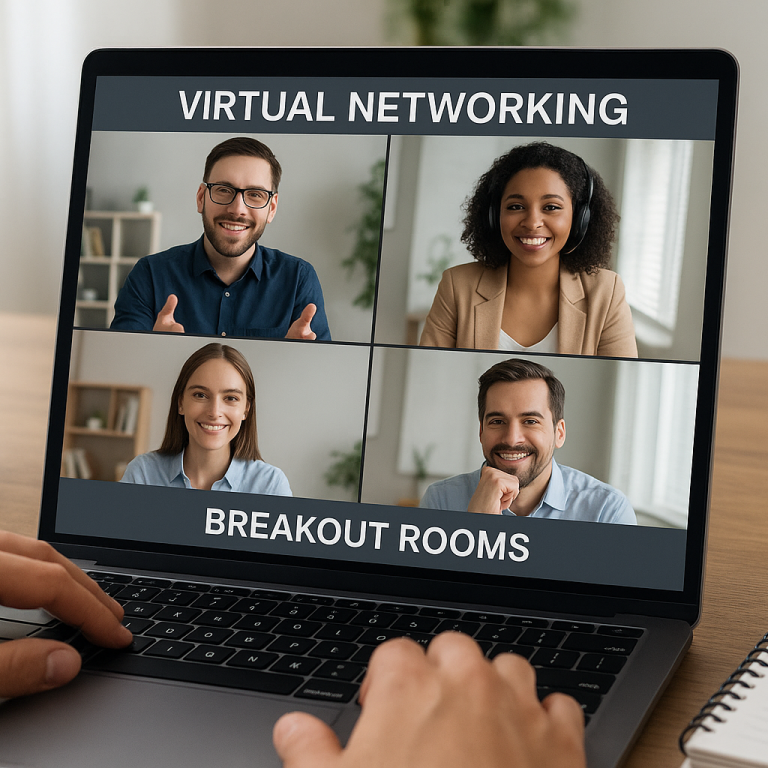
Breakout Rooms (“Rooms”)
Organizers can create virtual “rooms” to host breakout sessions or topic-based discussions. These rooms support engagement features like chat, live Q&A, and polls. Attendees can join as spectators or active participants depending on how the room is set up.
Engagement Tools to Facilitate Networking
Real-time chat (text chat) is available throughout not just in networking zones but in sessions, booths, and rooms. Interactive features such as polls, Q&A, and reactions/emojis help break the ice and drive interaction.
Virtual Booths for Exhibitors / Sponsors
Sponsors / exhibitors have “virtual booths” where they can upload collateral (videos, documents, images). Attendees can interact with booth staff via chat or schedule 1:1 meetings through these booths. Virtual booth lounge tables: exhibitors sit at a table, then attendees can join to talk.
Mobile App Networking
There’s a Hubilo mobile app for events, and networking features are integrated there. From the app, attendees can view the people page (list of attendees / speakers), send chat messages, and request meetings. In the Lounge section of the app, users can take a seat at a virtual table (just like on desktop) to start audio/video networking.
Analytics & Follow-Up
Organizers can track engagement in real-time (e.g., who visited lounges, who booked meetings), helping them identify hot leads. After the event, these analytics can be used to follow up e.g., send follow-up messages to people who engaged heavily or arranged meetings.
Why It Works Well: Key Strengths of Our Virtual Networking
We need your consent to load the translations
We use a third-party service to translate the website content that may collect data about your activity. Please review the details in the privacy policy and accept the service to view the translations.